Knowing how to design a home office is mostly about getting a few practical decisions right before you buy a desk: where the light falls, how you sit relative to the door and the window, where the cables go, and how the room sounds on a call. Working from home has gone from a perk to a fixture, and a workspace that fights you, glare on the screen, an echoey call, a chair wedged against a radiator, wears on you every single day. This guide walks through designing a home office that is comfortable to work in and calm to look at, whether it has a room to itself or a corner of one.
The home office is one of the spaces we are asked about most, and the same thinking we bring to a master bedroom applies here: start with how you actually work, not with a mood board. Spend a day noticing your real routine before you commit to anything. How many screens do you use? Do you take calls all day or a few times a week? Do you need to spread paper out, or is it all digital? Does anyone else need the room, or share the wall behind it? These patterns decide the desk size, where it sits, and how much you need to hide at the end of the day.
1. Read the Room and Find the Desk Position
Every workable home office has one good spot for the desk, and it is decided by light more than anything else. The aim is daylight from the side. Light straight in front of you causes glare and tired eyes; light directly behind you silhouettes your face on video calls and bounces reflections onto the screen. A desk set side-on to a window gives you natural light through the day without either problem.
Walk the room and note what competes for space: the door swing, the window, any radiator, the chimney breast, and where the light moves through the day. Think too about what is behind you, because that is your backdrop on every call. A tidy shelf or a plain wall reads far better than a doorway with people passing or a cluttered corner. If the only option is facing the window, plan for a blind so you can control glare in the afternoon.
Measure before you buy. A comfortable desk is usually at least 120cm wide for a single screen and 140cm or more for two, with around 70cm of depth so the monitor sits an arm's length away. Allow space to push the chair back and stand without hitting anything. The Health and Safety Executive's guidance on display screen equipment is a useful, authoritative reference for getting the screen height, distance and seating right.
2. Choose a Layout that Suits the Space
Home offices fall into a few situations, and each has a natural arrangement.
A dedicated small room or box room works best with the desk against a wall under or beside the window, and storage built upward rather than outward. A wall of shelving above a compact desk holds far more than a freestanding cabinet eating floor space.
A larger study can place the desk to face into the room, with storage behind, which feels more considered and gives a better call backdrop. Spare width can take a reading chair or a second perch for a laptop.
A corner of a bedroom or living room needs a defined zone so work does not bleed into rest. A low bookcase, a change in wall colour, a slim run of joinery or a screen marks the boundary, and a desk that closes or storage that hides the clutter lets the space switch back to home in the evening. Our guides to designing a living room and a master bedroom cover zoning a shared room in more depth.
Whatever the layout, protect a clear path to the chair and keep the desk within reach of a power source, so cables do not trail across a walkway.
3. Light the Room in Three Layers
A single ceiling light is the most common reason a home office feels like a cell. A room you can work in for hours needs three layers, the same approach we use across the house.
Ambient light is the soft, general layer. Keep the colour temperature warm and put it on a dimmer so the room does not feel clinical. Wall lights or a couple of well-placed downlights often feel better than a single harsh pendant.
Task light is the layer that protects your eyes. A dedicated desk lamp, positioned to throw light onto the work rather than the screen, lets you drop the rest of the room down without straining. An adjustable arm lamp is worth the money here.
Accent light adds warmth that stops a workspace feeling purely functional: a low lamp on a shelf, or a strip under a floating shelf. It is the difference between a room you tolerate and one you are happy to sit in.
Daylight remains the best primary source, so design the artificial layers to supplement it, brightest in winter and on dark afternoons. Put the desk lamp and the main light on separate switches so you control them independently.
4. Plan Storage that Keeps the Room Calm
Clutter is the enemy of focus, and a home office generates it fast: paper, cables, kit, the things that have nowhere else to live. Decide between fitted and freestanding early.
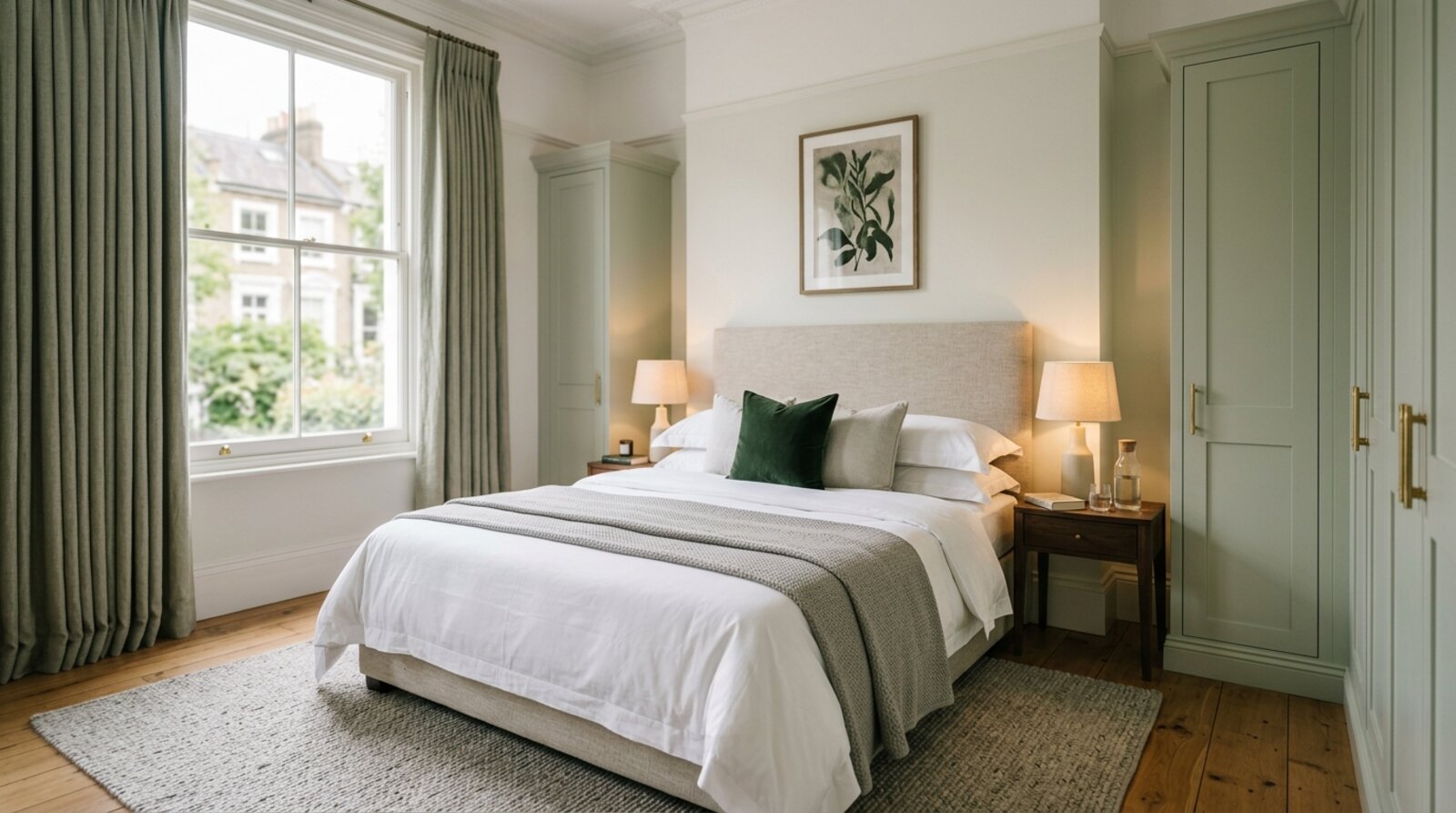
Fitted joinery uses awkward height and depth efficiently and can be built into an alcove or under a slope, giving the cleanest wall and the most storage per square metre. In a small or period room it is usually the better answer, because it absorbs the quirks.
Freestanding furniture is more flexible, easier to change later, and often easier to approve in a listed building. A good desk, a cabinet and a bookcase can look more relaxed than a wall of built-in units.
Whichever you choose, plan cable management from the start: a desk with a cable tray or a grommet, a power source within reach, and a way to hide the router and chargers keeps the room from descending into a tangle. Count what you actually need to store, then design to it rather than to a generic plan.
5. Get the Acoustics Right for Calls
The thing people forget until their first bad call is sound. Hard, empty rooms echo, which makes you harder to hear and the room tiring to work in. Soft surfaces fix it: curtains, a rug, upholstered furniture, a full bookshelf and, if needed, a discreet acoustic panel all absorb sound and warm the room at the same time.
Position matters too. Where you can, set the desk away from a wall shared with a busy room or a noisy road, and a solid-core door with draught seals cuts the sound carrying between rooms far better than a hollow one. These small choices are what let you take a call without the whole house hearing it, or hearing the house.
6. Designing a Home Office in a Period Property
London and South East homes often put the office inside a Victorian, Edwardian or converted building with its own constraints, and working with the architecture gives a better room than fighting it.
Chimney-breast alcoves are the classic home-office opportunity: a fitted desk in one alcove with shelving above, flush to the wall, turns dead space into a complete workstation.
Box rooms and wide landings can take a compact desk and a slim run of storage, freeing a bedroom from doubling as an office. A landing nook with good light is often more pleasant to work in than a dark spare room.
Out-of-square walls and uneven floors are normal in older houses. Bespoke joinery can be scribed to fit where flat-pack units leave tapering gaps, so budget for that fitting work rather than being caught out by it.
Listed status may restrict what you fix to walls and original features, so freestanding furniture is often easier to approve than built-in joinery, and any work touching original fabric is worth checking with the conservation officer early.
Common Mistakes to Avoid
- Facing a bright window. Glare on the screen and tired eyes follow; sit side-on to the light instead.
- A doorway or clutter behind you. It is your call backdrop, so put a tidy wall or shelf there.
- One ceiling light doing everything. Without a task lamp the room is either too dim to work or too harsh to relax in.
- A desk too small for the kit. Two screens need depth and width; cramping them strains your neck and posture.
- Ignoring cables. A trailing tangle undoes an otherwise calm room and is a trip hazard.
- No soft surfaces. A hard, empty room echoes on every call and feels cold to work in.
- Letting work bleed into a shared room. Without a defined zone, the office never switches off.
Before You Commit
Test the room the way you would test any space. Tape the desk and any storage onto the floor, sit where the chair will go, and check the light at the times you actually work. Look at where your face falls on a test video call, and listen for echo. You will feel a cramped clearance or a glaring window straight away, long before you would have spotted it on a plan.
If the project involves bespoke joinery, rewiring for better lighting and power, or sensitive work in a period or listed home, it is worth bringing in a designer early. We work with homeowners across London and the South East to design home offices that feel considered rather than improvised; our services page sets out how that works, and you can see the full range of what we do on the Vertigo Interiors homepage. For how project costs are structured, our guide to interior designer costs in London is a useful starting point.
A home office designed this way does not just look tidy in a photograph. It supports the way you actually work, day after day, which is the only test that matters for a room you spend your working life in.
Frequently asked questions
Where should a desk go in a home office?
Place the desk so daylight comes from the side rather than straight in front of you, which causes glare, or directly behind, which silhouettes you on video calls and throws reflections onto the screen. A side-on position near a window gives natural light without either problem. If the room only allows facing a window, plan for a blind to control glare through the day.
How do you design a small home office?
Work vertically: a compact desk with shelving and cupboards above it stores more without taking floor space. Use a wall-hung or slimline desk, build storage into an alcove, and keep a clear path to the chair. In a very small room, a fitted desk scribed into the space uses every centimetre better than freestanding furniture.
How should a home office be lit?
Use three layers: soft ambient light for the whole room, a dedicated task lamp on the desk positioned to avoid glare on the screen, and a little accent light for warmth. Daylight from the side is the best primary source. Put lights on dimmers and keep the colour temperature warm to avoid a harsh, office-like feel.
How do I stop echo and noise on video calls in a home office?
Soft surfaces absorb sound, so curtains, a rug, upholstered furniture, bookshelves and acoustic panels all cut the echo that hard, empty rooms produce. Position the desk away from a shared wall or a noisy road where you can, and a solid-core door with draught seals reduces sound carrying between rooms.
Can you put a home office in a bedroom or living room?
Yes, with a defined zone. Use a low bookcase, a change in wall colour, a screen or a run of joinery to separate the work area so it does not bleed into the rest of the room. A desk that closes, or storage that hides the work clutter at the end of the day, helps the space switch back from office to home.
How do I fit a home office into a period property?
Use the architecture. The alcoves beside a chimney breast are ideal for a fitted desk and shelving, a box room or wide landing can take a compact workspace, and bespoke joinery handles out-of-square walls and uneven floors. In a listed home, freestanding furniture is often easier to approve than built-in joinery.